Understanding TradingView's Core Features
In the rapidly evolving world of trading, having the right tools can make all the difference between success and failure. TradingView stands out as a versatile platform that caters to a diverse range of traders and investors. This comprehensive tool not only provides advanced charting capabilities but integrates social networking features that enhance research and strategy development. In this article, we will delve deep into the core functionalities of TradingView, exploring what makes it a unique and essential resource for traders across various asset classes.
What Makes TradingView Unique?
At its core, TradingView offers something more than just traditional charting tools. It serves as a one-stop solution where traders can visualize market trends, share insights, and execute trades. The blending of community features with sophisticated analytical tools creates a dynamic environment where learning and trading go hand in hand. Key highlights of TradingView include:
- Customizable Charts: Users can create tailored chart layouts that fit their trading strategies, including multiple timeframes and asset classes.
- Pine Script Language: This built-in scripting language allows traders to create custom indicators and strategies, enhancing their trading approach.
- Alerts and Notifications: Stay updated with customizable alerts that notify users of market movements or technical indicator triggers.
- Community Engagement: Users can share their analyses and strategies within a vibrant community, gaining insights from experienced traders.
Exploring the Multi-Asset Trading Capabilities
TradingView supports a wide array of financial instruments, encompassing stocks, forex, cryptocurrencies, and derivatives. This multi-asset capability allows traders to analyze different markets using a unified platform instead of juggling multiple services. For instance:
- Stocks: Access to data from global stock exchanges, enabling traders to track corporate performance and economic news.
- Forex: Real-time quotes and analytics on major currency pairs, assisting traders in understanding exchange rate movements.
- Cryptocurrencies: 24/7 access to market information, ideal for observing volatile market shifts.
- Derivatives: Options and futures trading capabilities allow for strategic hedging and speculation.
Integrating Community Insights into Your Strategy
The power of community is a significant factor in TradingView's success. The platform hosts a range of user-generated content, including ideas and scripts, which can be integrated into one’s trading strategy. This collaboration fosters innovation as traders learn from shared experiences and analyses. Moreover, the insights gathered from community discussions enable users to challenge their own assumptions and refine their trading rules.
How to Set Up Your TradingView Account
Beginning your journey with TradingView is straightforward. Setting up your account effectively ensures that you harness the full potential of the platform from the onset. Here’s how to get started:
Creating Your Custom Workspace
After signing up, take the time to customize your workspace according to your trading preferences. Start with selecting a layout that suits your trading style, be it day trading or swing trading. Features to consider include:
- Multiple Chart Layouts: Configure your dashboard with multiple charts to track different assets simultaneously.
- Widgets: Use widgets to display vital information such as news feeds or economic calendars directly on your workspace.
- Saved Layouts: Save different setups for various strategies or markets to quickly switch between them.
Setting Alerts and Notifications for Market Movements
One of TradingView’s standout features is its alert system. Set alerts on price movements, indicator thresholds, or even specific patterns. This ensures that you never miss essential market changes, allowing for timely decision-making. Notifications can be sent via email, SMS, or through the TradingView app, enabling seamless monitoring of your assets.
Using Indicators and Scripts Effectively
TradingView offers a vast library of technical indicators and scripts that can be easily applied to your charts. Familiarize yourself with popular indicators such as moving averages, Bollinger Bands, and MACD. Additionally, learn to utilize Pine Script for customizing indicators or creating unique trading strategies tailored to your approach. This level of customization is critical for those seeking to gain a competitive edge in their trading.
Designing Your Trading Strategy
With the foundational tools in place, the next step is designing a comprehensive trading strategy. This strategy should integrate both technical and fundamental analysis to create a holistic approach.
Building a Research Framework Using TradingView
Successful trading is rooted in a solid research framework. Utilize TradingView’s powerful screening tools to identify potential trades. Find stocks, forex pairs, or cryptocurrencies that meet your specific criteria based on volume, market cap, or technical setup. For instance:
- Heat Maps: Quickly visualize which sectors are performing well, allowing for focused research.
- Community Ideas: Explore trending ideas shared by other traders to find fresh opportunities or alternative perspectives.
Implementing Technical Analysis into Your Trades
Incorporate technical analysis by evaluating price charts and applying your selected indicators. Identify support and resistance levels, trend lines, and chart patterns that indicate potential market movements. Formulate entry and exit points based on your analysis, ensuring to align them with your risk management strategy.
Backtesting Strategies with TradingView’s Tools
Before committing real capital, backtest your strategies using TradingView’s Strategy Tester. This feature allows you to simulate trades based on historical data, providing insights into potential performance and risk exposure. Adjust your strategy as necessary to optimize results.
Maximizing Your Trading Efficiency
To achieve consistent results, it's essential to maximize your trading efficiency. This involves streamlining your processes and maintaining an informed approach to market analysis.
Utilizing Multiple Layouts and Screens
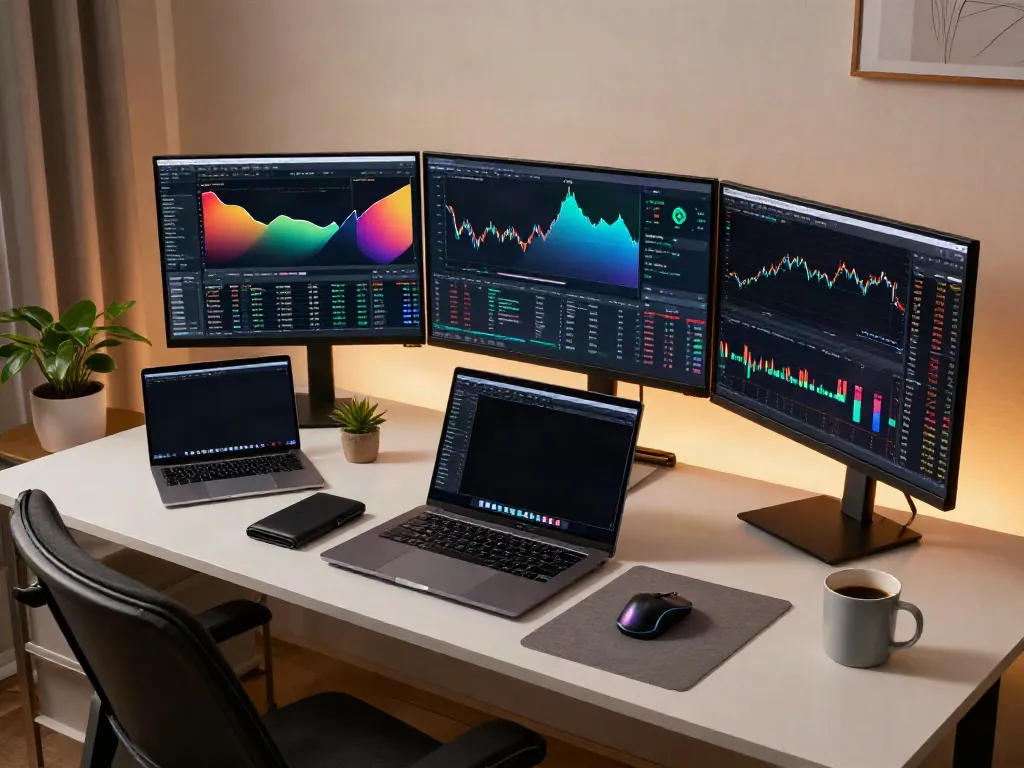
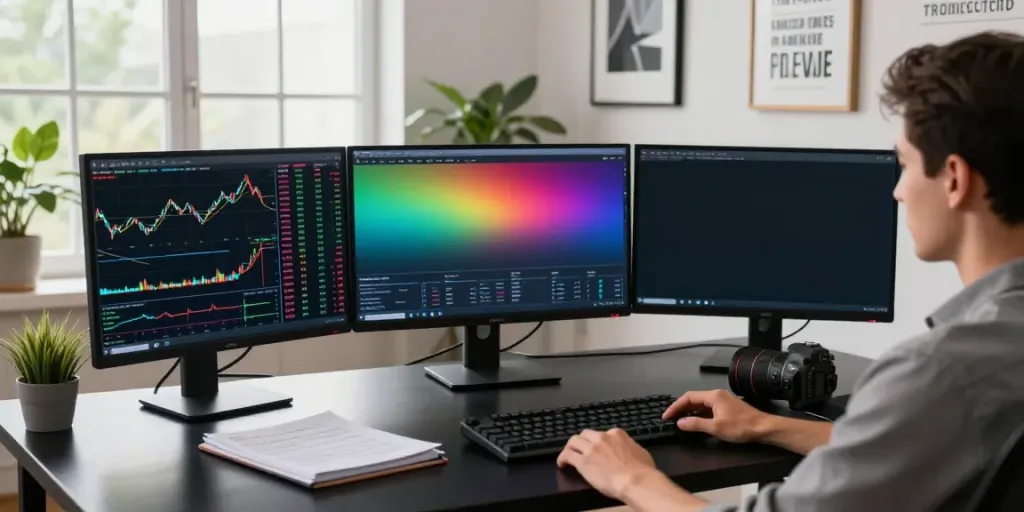
For active traders, using multiple screens can drastically improve efficiency. TradingView supports this by allowing you to set up different charts on separate monitors, providing a broader view of market conditions while analyzing your assets. This setup is particularly beneficial during busy trading sessions or when monitoring significant economic events.
Staying Informed with Economic News Integration
Integration of economic news into your trading strategy is crucial. Utilize TradingView’s economic calendar feature to keep track of major financial events that can impact market volatility. Stay informed of earnings announcements, interest rate changes, and geopolitical events that could affect your trades.
Adopting a Routine for Continuous Improvement
Establishing a consistent routine is vital for long-term success in trading. Schedule regular reviews of your trades, analyze what worked and what didn’t, and make adjustments accordingly. Continual learning, whether through platform resources, community forums, or webinars, will enhance your trading skills and knowledge base.
Future Trends in Trading with TradingView
As we look ahead to 2026, several trends are likely to shape the future of trading on platforms like TradingView. Staying ahead of these trends can provide traders with significant opportunities.
Navigating Market Changes in 2026
Market dynamics are continually evolving. The rise of new asset classes and changes in trading regulations will require traders to adapt swiftly. Being proactive in understanding these shifts will ensure that traders capitalize on emerging opportunities.
The Impact of AI and Automation on Trading Strategies
Artificial intelligence is set to revolutionize trading strategies by providing advanced predictive analytics and automated trading options. Traders who leverage AI tools will likely gain a competitive edge, allowing for data-driven decisions that enhance trading outcomes.
Preparing for Regulatory Changes in Trading Platforms
As trading platforms evolve, regulatory considerations will become increasingly significant. Traders must stay informed of changes that may impact market access or trading practices to ensure compliance and maintain their trading edge.
Is TradingView suitable for beginners?
Yes, TradingView is highly recommended for beginners due to its user-friendly interface and extensive educational resources. New traders can start with free features and gradually explore advanced functionalities as their skills develop.
What are the key features of TradingView?
Key features include customizable charting tools, a vast array of technical indicators, real-time market data, community insights, and the ability to create and share trading strategies.
How can I efficiently use TradingView for day trading?
Day traders can efficiently use TradingView by setting up multiple chart layouts, setting timely alerts, and utilizing the built-in economic calendar to stay ahead of major market-moving events.
What are the advantages of TradingView over other platforms?
TradingView's advantages include its intuitive design, comprehensive community features, powerful analytical tools, and the ability to access multiple asset classes, making it versatile for all traders.
Can I automate my trading strategies using TradingView?
Yes, with Pine Script, users can automate their trading strategies, backtest them against historical data, and refine their approaches based on past performance analytics.